The ultimate AI character creation engine.
Not everyone can draw. Not everyone can paint. But everyone has a story worth telling. STARFORGE exists for the fans who live in their imagination — the ones who always had ideas but never had a way to bring them to life. No artistic skills required. Just you.
·
Generator Controls
HOW TO USE
1. AI Image Prompt
Copy and paste into ChatGPT, Gemini, or any AI image tool. Covers your character's look, style, lighting, and background in one ready-to-use prompt.
2. Video Script
Use in CapCut to build a TikTok, Reel, or Short. Gives you a hook, scene order, and ending beat — ready to record or animate.
3. Suno Music Prompt
Paste into Suno.com to generate background music that matches your character's mood and energy. Free to use.
4. AI Video Prompt
Paste into Pika or Runway to animate your character. Written as one continuous cinematic motion description.
5. Caption + Hashtags
Copy and paste directly to TikTok or Instagram. Cinematic intro, engagement question, and optimized hashtags — ready to post.
Pro Tips
Generate multiple times. AI image tools are unpredictable — run the same prompt 2 to 4 times and pick the best result. Each generation looks different.
Use ChatGPT for images. ChatGPT's image generator follows STARFORGE prompts incredibly well. Best overall results for character design and cinematic styling.
Style overrides. Strong art styles like Chibi and Ghibli can override color palette instructions. Switch to Hyper-Realistic or 3D Render for more precise color control.
Getting a clean transparent background. AI image generators like ChatGPT and Gemini don't output real transparency — they fake it. For the cleanest cutout when removing backgrounds in Canva or similar tools, the prompt already requests a flat bright green background. Green is the furthest color from most skin tones and costumes, making background removal fast and accurate with minimal edge clipping. If you want true transparency with no removal needed, use Adobe Firefly or Leonardo.ai — both output actual transparent PNGs natively.
Forge Your Card. Once you have your character image — scroll down to Forge Your Card, upload it, and download your collectible card. ⚡
DOWNLOAD THE FREE GUIDE
Copy and paste into ChatGPT, Gemini, or any AI image tool. Covers your character's look, style, lighting, and background in one ready-to-use prompt.
2. Video Script
Use in CapCut to build a TikTok, Reel, or Short. Gives you a hook, scene order, and ending beat — ready to record or animate.
3. Suno Music Prompt
Paste into Suno.com to generate background music that matches your character's mood and energy. Free to use.
4. AI Video Prompt
Paste into Pika or Runway to animate your character. Written as one continuous cinematic motion description.
5. Caption + Hashtags
Copy and paste directly to TikTok or Instagram. Cinematic intro, engagement question, and optimized hashtags — ready to post.
Pro Tips
Generate multiple times. AI image tools are unpredictable — run the same prompt 2 to 4 times and pick the best result. Each generation looks different.
Use ChatGPT for images. ChatGPT's image generator follows STARFORGE prompts incredibly well. Best overall results for character design and cinematic styling.
Style overrides. Strong art styles like Chibi and Ghibli can override color palette instructions. Switch to Hyper-Realistic or 3D Render for more precise color control.
Getting a clean transparent background. AI image generators like ChatGPT and Gemini don't output real transparency — they fake it. For the cleanest cutout when removing backgrounds in Canva or similar tools, the prompt already requests a flat bright green background. Green is the furthest color from most skin tones and costumes, making background removal fast and accurate with minimal edge clipping. If you want true transparency with no removal needed, use Adobe Firefly or Leonardo.ai — both output actual transparent PNGs natively.
Forge Your Card. Once you have your character image — scroll down to Forge Your Card, upload it, and download your collectible card. ⚡
DOWNLOAD THE FREE GUIDE
AI IMAGE PROMPT
Your detailed image prompt will appear here.
VIDEO SCRIPT
Your video script will appear here.
SUNO MUSIC PROMPT
Your Suno prompt will appear here.
AI VIDEO PROMPT
Your AI video prompt will appear here.
CAPTION + HASHTAGS
Your caption and hashtags will appear here.
CHARACTER LORE AI
Your character lore will appear here.
CINEMATIC SCENE AI
Your cinematic scene will appear here.
ALLY / RIVAL AI
Your ally and rival details will appear here.
STORY ARC AI
Your story arc will appear here.
SAVE YOUR CHARACTER
Get your full character sheet — all 9 outputs — sent straight to your inbox. Free forever.
Export Preview
Generate a character first, then use the Poster or Card buttons to preview your export here.
FORGE YOUR CARD
Upload your generated character image and forge it into a collectible STARFORGE card — The Forged Collection.
⚡
Upload Character Image
PNG with transparent background recommended
Card preview will appear here after uploading your image
Forged in the Galaxy
Every character is unique. Every story is yours.
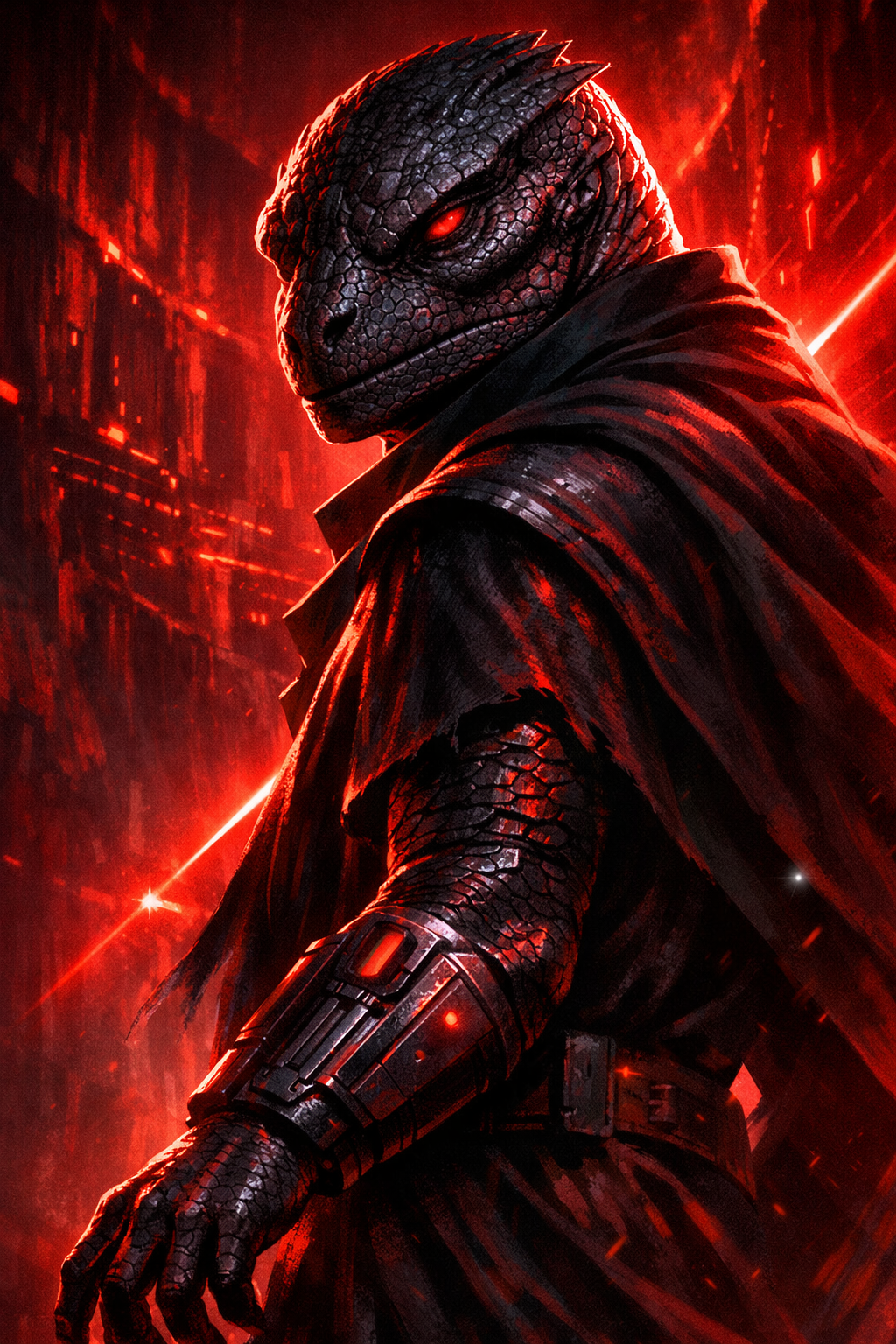
Vex Synn
Force Mystic · Utapau
A wanderer connected to something ancient.
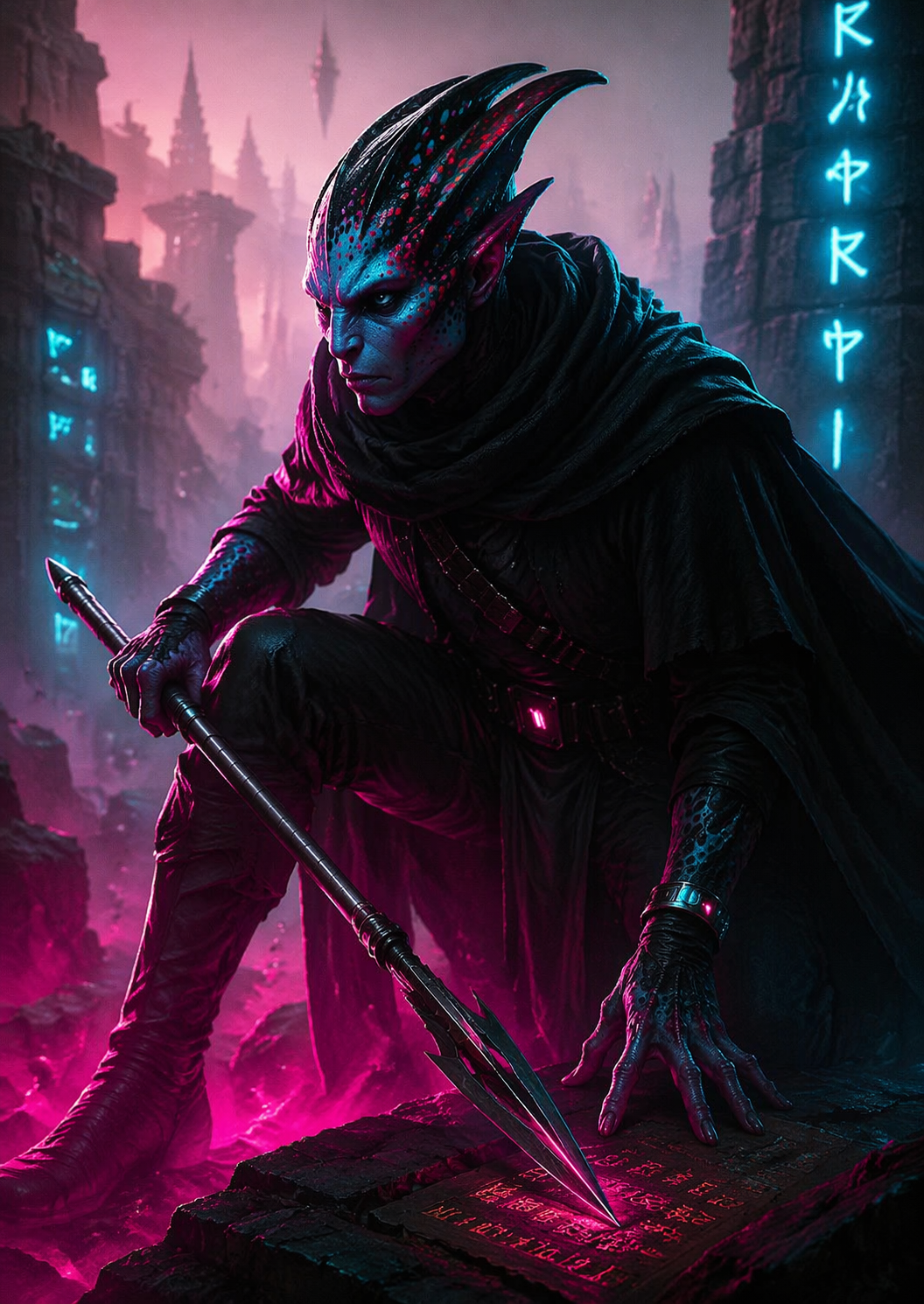
Dara Ash
Underworld Enforcer · Ossus
The last face most people ever see.
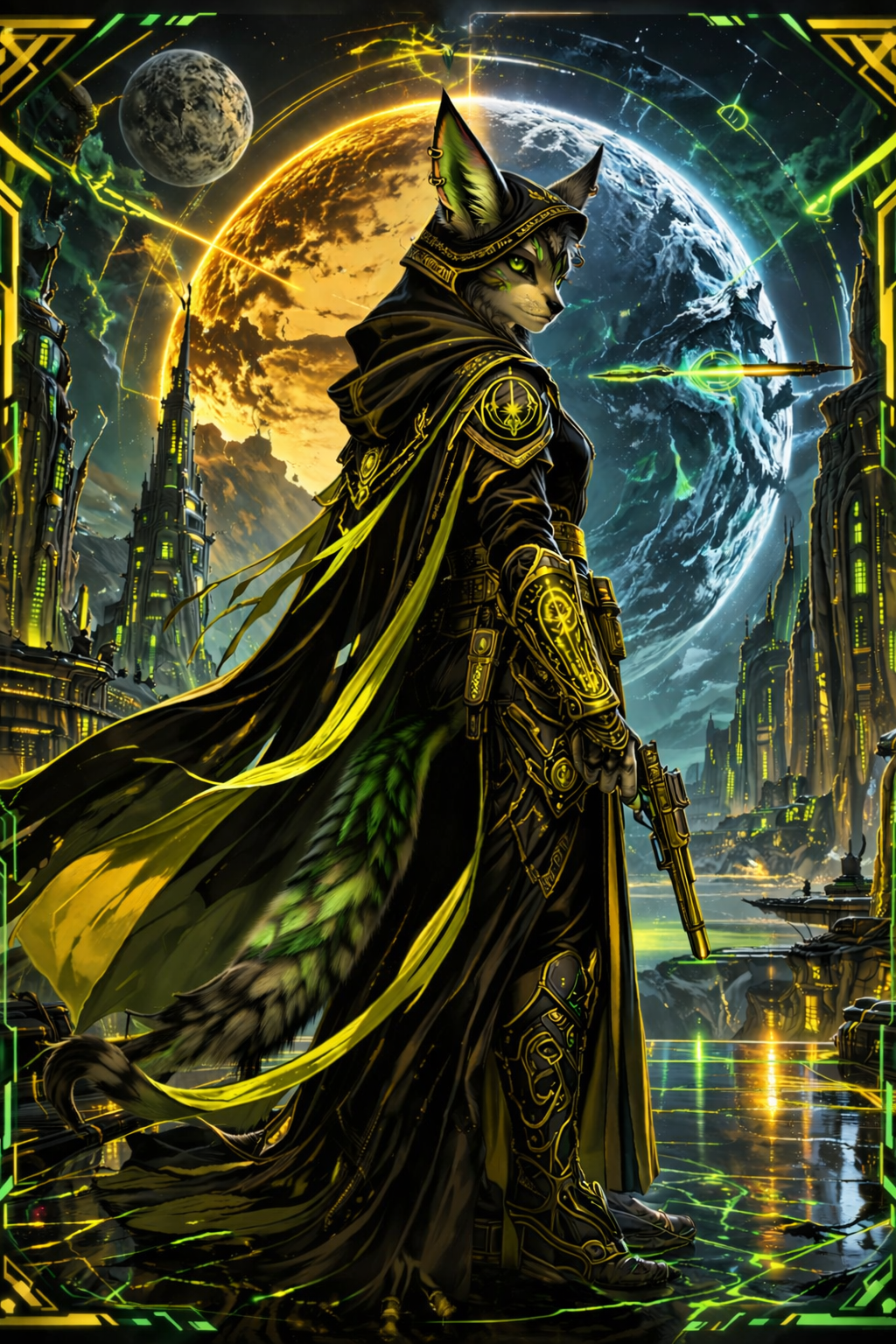
Lyss Hollow
Jedi Knight · Ryloth
A warrior sworn to the light.
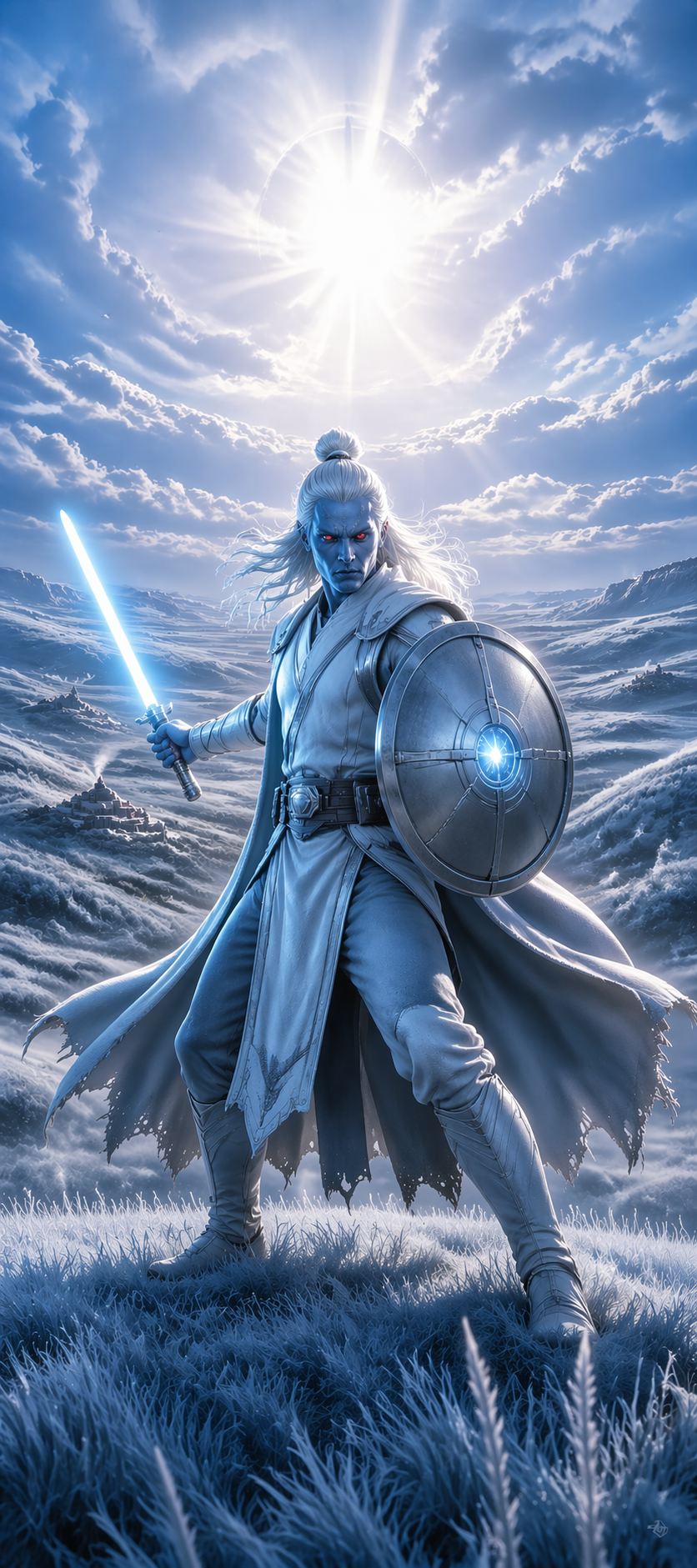
Kenn Sorn
Jedi Master · Lothal
A legend of the light side. From the open grassland frontier.
These characters were created with STARFORGE. Yours is waiting. ⚡